
Direct Answer This section highlights the main takeaway of this page.
MotionPlayer for Rive lets you embed Rive (.riv) animations directly into WordPress using a native Gutenberg block. Upload animations through the Media Library, preview them in the editor, and publish true-to-design playback using Rive's official WebGL2 renderer without external CDNs or custom code.
Key points
- Native Gutenberg block for Rive (.riv) animations
- Media Library integration with custom .riv file support
- Official Rive WebGL2 renderer for accurate playback
- State machine support with automatic playback detection
- State machine support with automatic playback detection
Sources
v.1.0 | WORDPRESS.ORG APPROVED
Native Rive animations for WordPress – built for the block editor.
Embed Rive (.riv) animations in WordPress using native blocks. MotionPlayer delivers true-to-design playback with Rive’s official WebGL2 renderer, without custom code.
- Native Gutenberg block for Rive animations
- Preview animations directly in the editor
- No external CDN or custom code required
01 — KEY BENEFITS

Native WordPress workflow
Upload or select .riv files from the Media Library and embed animations using a dedicated Gutenberg block.

True-to-design rendering
Render animations using Rive’s official WebGL2 runtime with support for modern rendering features such as gradients, shadows, blend modes, and vector feathering.

Self-contained playback
The Rive runtime is bundled with the plugin, eliminating external CDN dependencies while keeping animations private and production-ready.
02 — MotionPlayer
Production-ready motion, directly inside WordPress.
MotionPlayer bridges the gap between Rive and WordPress by making .riv animations a first-class content type. Authors can manage animations using familiar WordPress workflows while developers benefit from reliable playback using the official Rive runtime.
Features:
- Live editor preview
- Adjustable canvas dimensions
- WebGL2 rendering
- Transparent backgrounds
- Accessibility labels
- Reduced-motion support
- Wide and full-width alignment
03 — PRICING
Start free. Scale when ready.
FREE
- WordPress.org Approved
- Native Gutenberg block
- Media Library integration
- Official Rive WebGL2 runtime
- Live editor preview
- Canvas sizing controls
- State machine support
- Multiple animations per page
04 — INSTALLATION
Up and running in 60 seconds.
01
Download the ZIP file
02
WordPress Admin → Plugins → Add New →
Upload Plugin
03
Upload a .riv file to the Media Library
04
Insert the MotionPlayer: Rive block
05
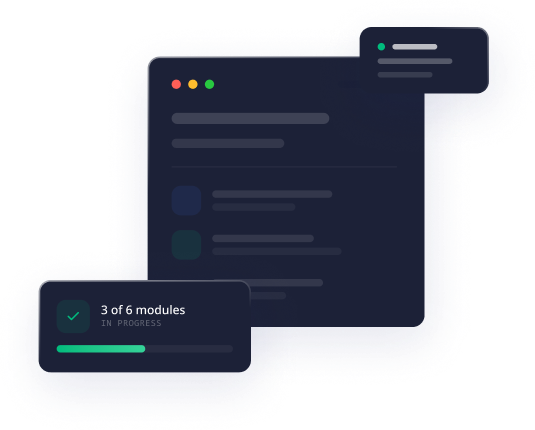
Select your animation and publish
05 — REQUIREMENTS
WordPress 6.0+
PHP 7.4+
WebGL2 support
No external services required.
06 — FAQS
Frequently Asked Questions
MotionPlayer integrates directly with the WordPress block editor and Media Library, removing the need for custom JavaScript, shortcodes, or third-party CDN scripts.
Yes. MotionPlayer bundles the official WebGL2 runtime to provide rendering that closely matches the original design.
Yes. The plugin includes optional accessible canvas labels and respects the user’s reduced-motion preference by pausing autoplay and displaying the initial frame.
Yes. MotionPlayer supports multiple independent Rive animations on the same page or post.
Bring Rive animations into WordPress.
Create engaging, production-ready motion using familiar WordPress
workflows with no custom code required.